

Disclaimer:
I am gonna be honest: this chapter is going to be VERY confusing if doing this for the first time. While the Cloud has granted us the ability to build as quick as ever, it is over-engineered in some sense.The Architecture
The main building block of our Stack is going to be a Lambda function. You upload a piece of code, and are only billed for when it is run, thus it is “serverless”. To invoke (run) this piece of code, we will use the API Gateway service, which translates a request into a format the Lambda function can process (that format will again be processed into a format Flask can read, more on this later). Since serving static files is not only slow but also more expensive, we will separate and upload them to S3 (file storage). From there we will directly server using CloudFront, the CDN service by AWS, to offer caching and compression. To enhance security, we also Integrate WAF: an application firewall which can handle things such as rate-limiting, blocking bots, or known malicious IPs.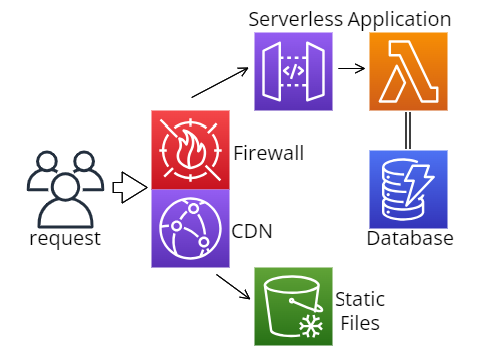
What is Serverless Framework?
If you played around with the code-base, you will have seen theserverless.yml file in backend. It is a IAS
(Infrastructure As Code) Framework, used to define ressources in AWS or other providers. Open the file and let’s
look at how it works
Deploying a single function
take a look at the functions tab:serverless.yml
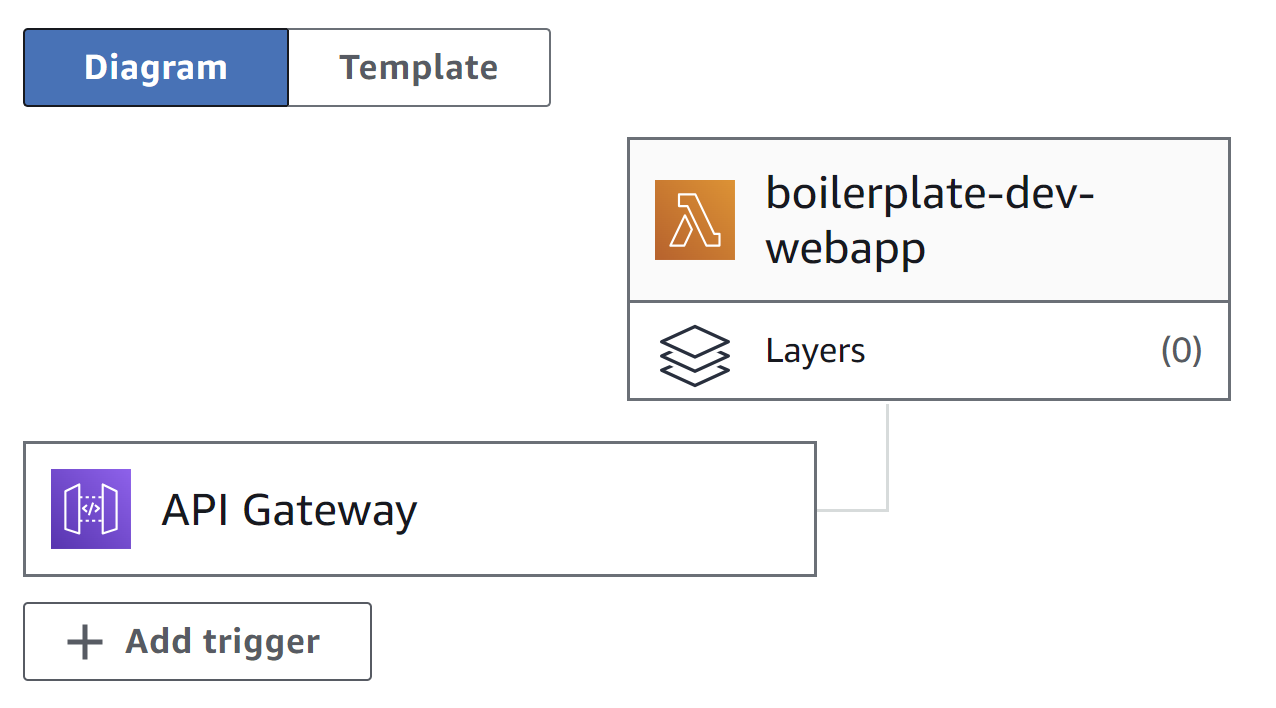
webapp is simply the name we gave to this Lambda function, each other name will create another function. The event
describes how this function is invoked, in our case it is through an HTTP request. This means, that alongside the function,
also an AWS API Gateway is created.
serverless-wsgi.
Open app_lambda.py, there you will see how we wrap our application and define the handler function
we point to in our YAML file.
app_lambda.py
Secrets and Permissions
Obviously we don’t want to reveal our secret keys inside the YAML configuration. By callinguseDotenv: true at the
top of the file we allow serverless to read our .env file and access it using ${env:KEYNAME}. An important thing to note,
is that our .env file will NOT be copied to our Lambda function for security reasons. This means, that all the environment
variables we want to give to the code, have to be passed manually. This we do in provider.environments:
serverless.yml
serverless.yml
Configuring WAF
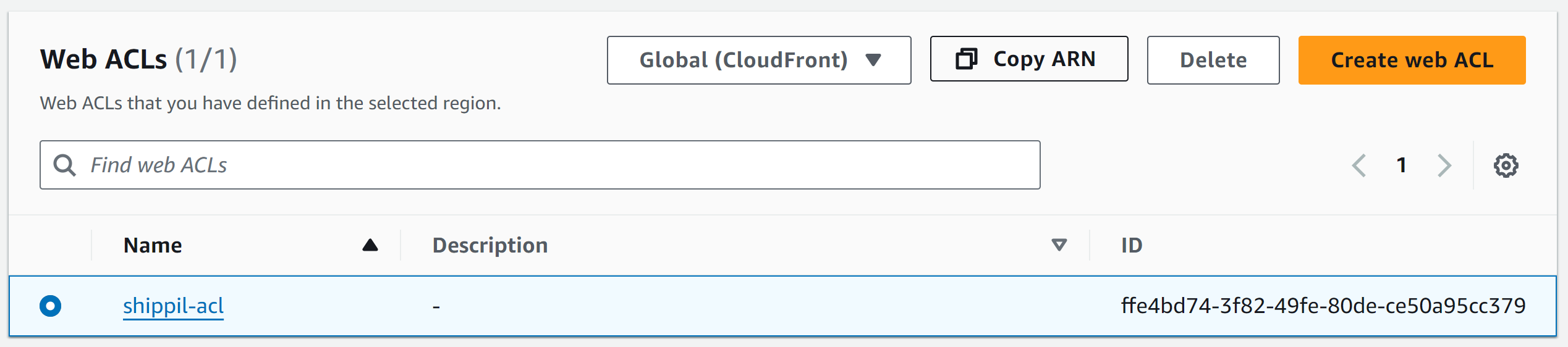
If you want to Integrate a WAF into your application, you will first create an ACL and define rules and settings. An ACL costs 5$ (plus 90 cents per million requests), but can be associated to multiple ressources. Note that an ACL can either be global (like in our case) if you want to integrate it with CloudFront or regional for local ressources like API Gateway” or Elastic Load Balancers. Watch this introduction to WAF before creating your own global distribution, and adding its arn as “ACL_ARN” to the.env file. We will reference
it when creating the CloudFront distribution later
Configuring the CDN
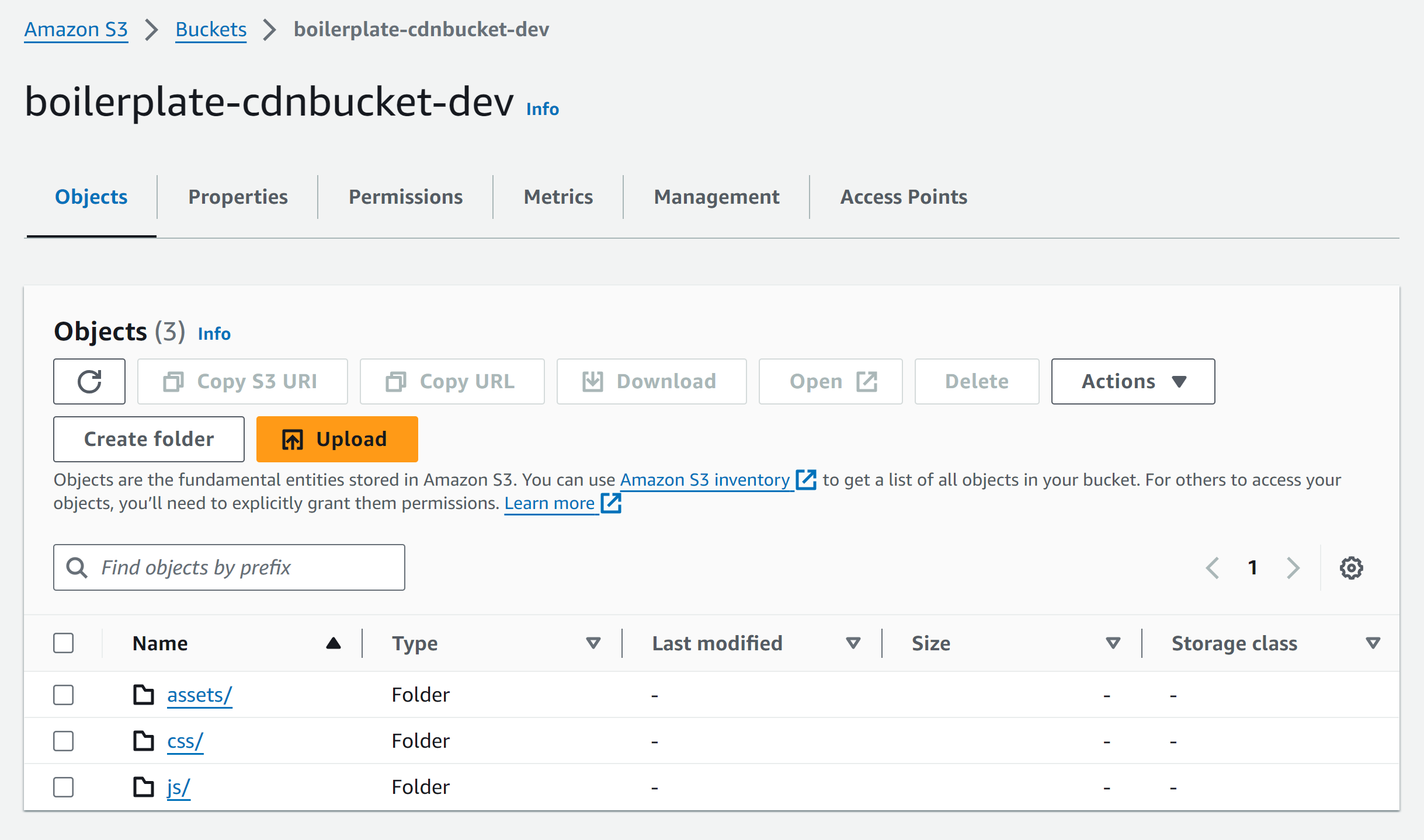
The first step to serving files, will be to upload them to the S3 bucket - We will set it as the source in CloudFront. Looking in the ressources tab, you will see CloudFormation syntax. This is the IAS code native to AWS, and can be used inserverless.yml to define custom ressources.
serverless.yml
serverless.yml
bucketName, as well as a localDir pointing to our static folder, which
we will deploy.
serverless.yml
serverless.yml
_base.html
app.py and go to the bottom of the file, to see, how we
point to the CloudFront domain, if it is requesting static content.
app.py
Domain and SSL
Follow this video, while skipping the step of buying a new domain. If deploying on the edge (meaning multiple endpoints close to the user), the certificate MUST be in us-east-1, since this is the the only region CloudFront (the Content Delivery Network service by AWS) supports. This means that your Lambda function will be copied to multiple regions and generate more cost. Otherwise you can create a certificate in the same region and deploy to regional Now we will create a Custom Domain in AWS API Gateway and integrate it. For that we can use theserverless-domain-manager
plugin. It is configured inside the custom tab:
serverless.yml
.env file:
- domainName should be a domain like api.ivanbokarev.top, that is controlled by Route53
- certificateArn should be the ARN (Amazon Ressource Name) for the certificate you just created
sls create_domain. This will use the set information to create the new Domain.
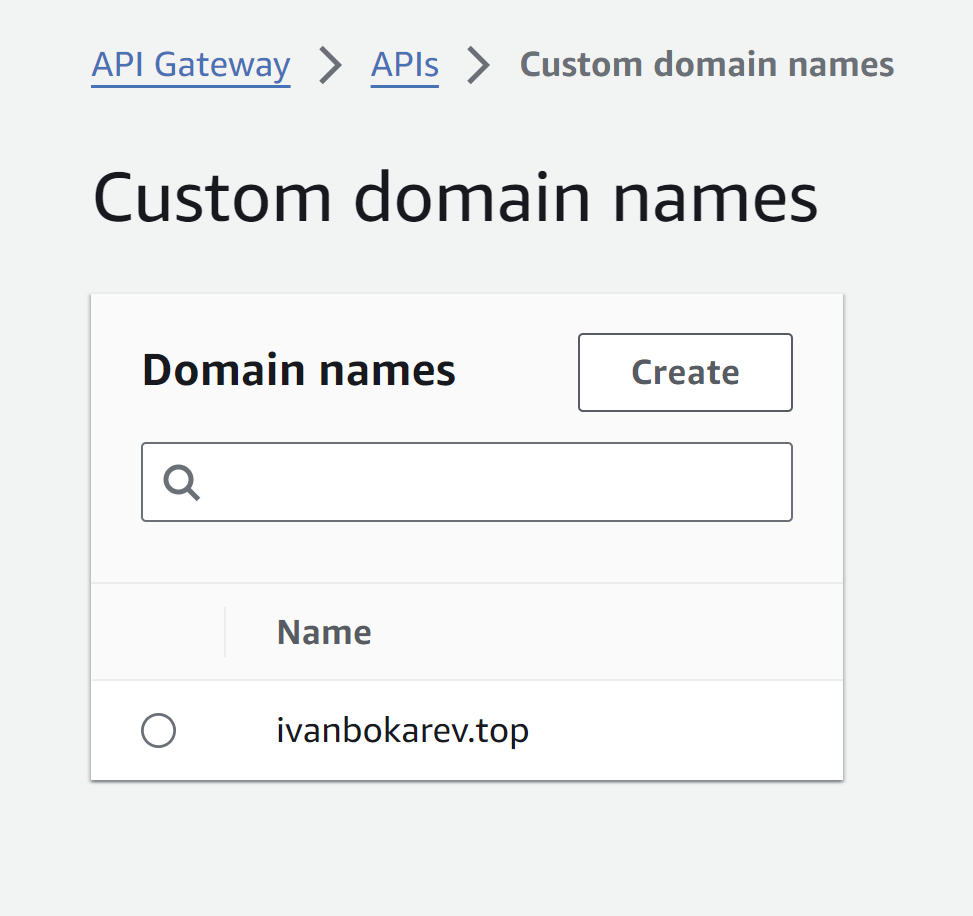
sls remove), you
can simply call sls delete_domain
Deploying
Before starting go to provider and change the region to the one you used for the rest of your ressources. Now you can callsls deploy. This will automatically create all the ressources you have defined